
Continuation of Scaled Down Functionality in HealthLINK
Effective Date: Aug. 17, 2026
Health Plans Affected: Advantage MD, Employer Health Programs (EHP), Priority Partners
Type of Change: Changeover from HealthLINK to Availity
Explanation of Change:
The provider portal changeover from HealthLINK to Availity continues, as Johns Hopkins Health Plans will turn off single sign-on access to EviCore and NovoLogix in HealthLINK beginning Aug. 17, 2026.
Please visit the Availity provider portal to access EviCore and NovoLogix.
Provider Online Reporting (POR) in Availity: Registration Steps to Accessing EviCore and NovoLogix in Availity
1. Log into Availity.
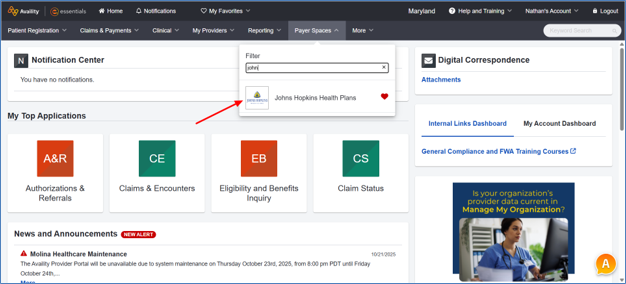
2. Navigate to Payer Spaces from the top navigation and select Johns Hopkins.
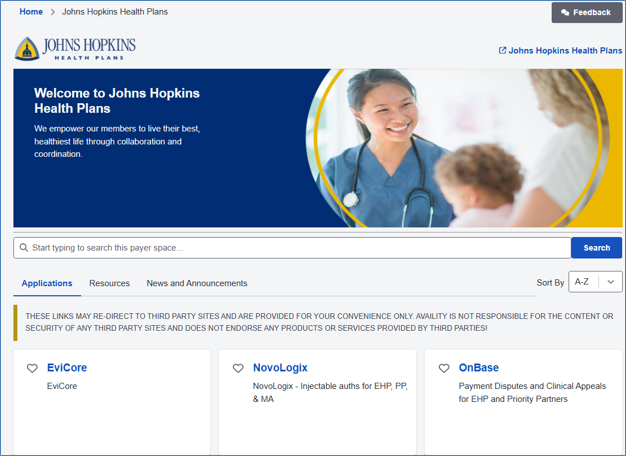
3. Scroll to the bottom of the page and click on the vendor you want to submit the authorization request to.
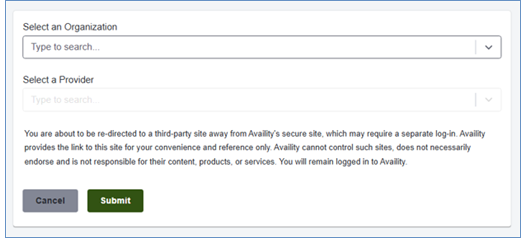
4. Select your organization and the provider from the dropdown on the next page and click Submit.
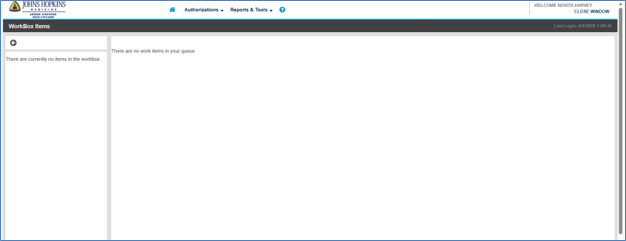
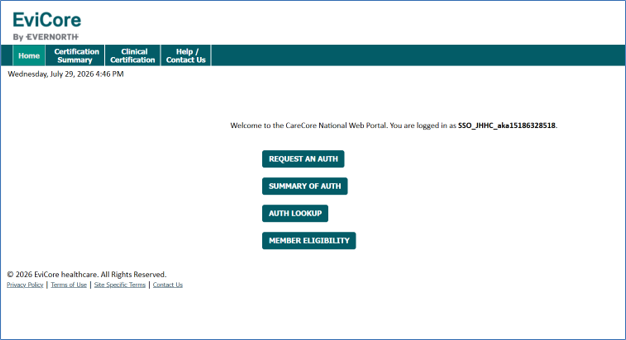
5. You will be directed to the vendor Home page where you can start creating the authorization request.
NovoLogix
EviCore
If you have questions regarding Availity or need assistance with setting up your Availity account, please contact our Provider Relations team or log into the Availity digital learning center.