
Construction at Weinberg Building Entrance
Starting March 23, construction activities will be taking place on Jefferson Street. There will be impacts to the traffic flow on Jefferson Street outside the Johns Hopkins Weinberg Building entrance (including drop-off).
Construction is scheduled to begin on Monday, March 23, 2026, from 6:30 a.m. to 3:30 p.m. and continue continue through December 2026.
What to expect:
- Traffic near the Weinberg Building will be limited to one-way access. Access will be managed (via flaggers) by construction personnel.
- Please arrive 15–30 minutes early for your appointment, and please expect potential delays given unforeseen construction vehicle movements in the area.
- The Weinberg Parking Garage (Jefferson Street) remains open (5:00 a.m.–9:00 p.m.).
We apologize for any inconvenience and appreciate your understanding.
Latest Cancer News
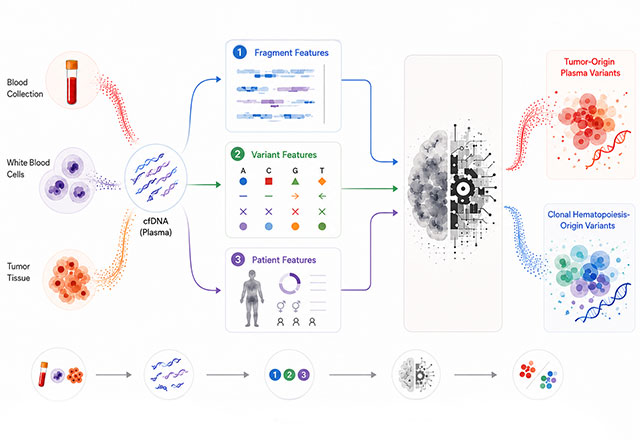
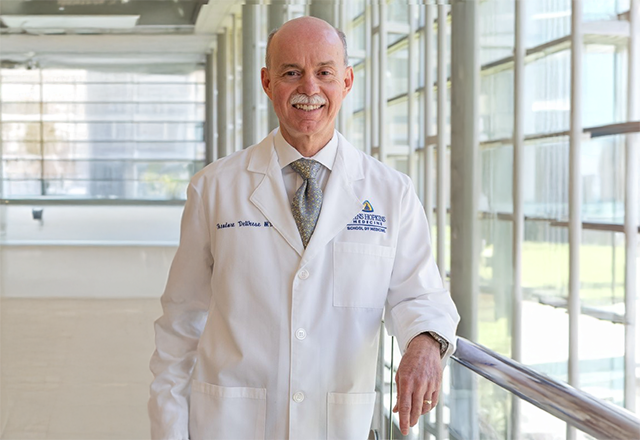
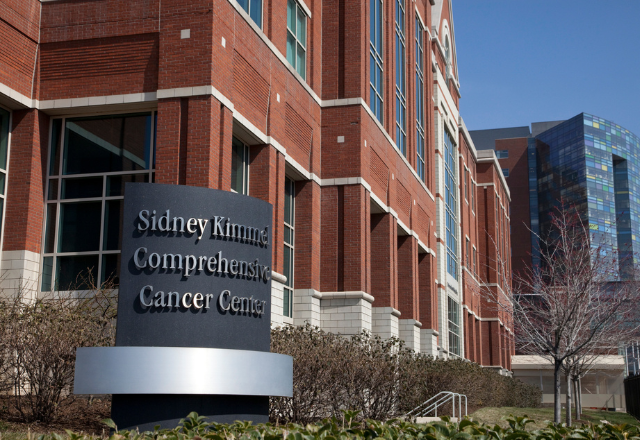


-
Our Experts
The Sidney Kimmel Comprehensive Cancer Center at Johns Hopkins includes a wide array of medical professionals and laboratory scientists. Many of our experts are nationally and internationally recognized as leaders in the research and treatment of cancer.

-
Cancers We Treat
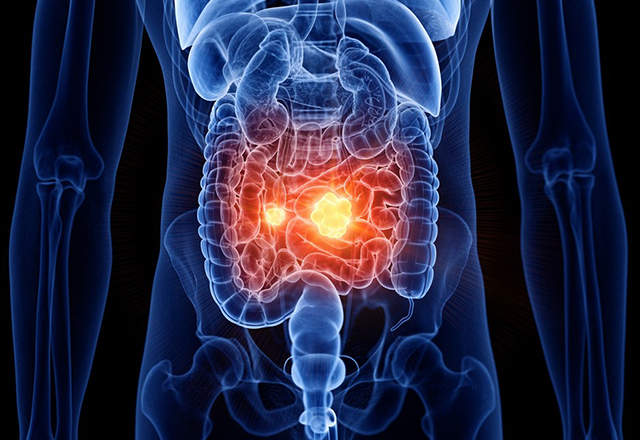
At the Johns Hopkins Kimmel Cancer Center, our experts are dedicated to providing our patients the best treatment and quality of care possible. Patients are seen by multi-disciplinary teams for individualized treatment plans.
-
Locations
At the Johns Hopkins Kimmel Cancer Center, our experts are dedicated to providing our patients the best treatment and quality of care possible. Patients are seen by multi-disciplinary teams for individualized treatment plans.

-
Johns Hopkins Kimmel Cancer Center in the National Capital Region
Providing the most advanced cancer care in the world close to home at Sibley Memorial and Suburban Hospital.

-
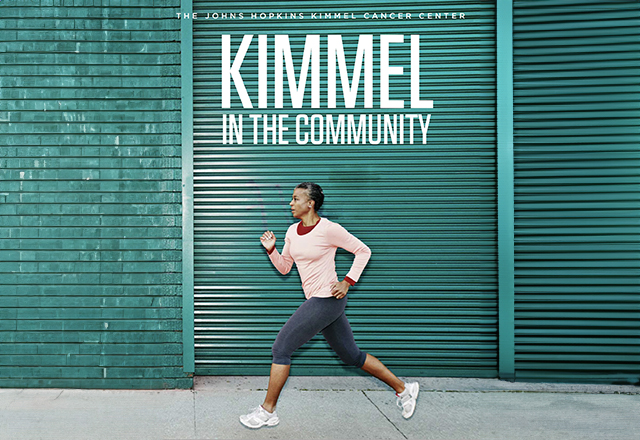
Kimmel in the Community
The Johns Hopkins Kimmel Cancer Center is in your community. Community outreach and education combines our center's programs with our community partners to bring the best information in cancer treatment. Learn more about our community outreach and education activities.
-
Patient and Family Services
The Harry J. Duffey Family Patient and Family Services Program offers a variety of resources to assist during this time, such as emotional support, assistance with temporary housing and transportation and aid in managing care.

Affordable Housing for Cancer Patients at Johns Hopkins Hospital
The Hackerman-Patz Patient and Family Pavilion, part of the Kimmel Cancer Center, provides affordable housing for adult patients getting treatment at The Johns Hopkins Hospital. Located right next to the Orleans Garage on the hospital campus, the Pavilion is open 24/7 and offers a supportive, home-like atmosphere. It’s a comfortable and welcoming alternative to staying in a hotel when you need specialized medical care.
Tour the Hackerman-Patz Pavilion
Featured Publications







Request An Appointment
Before Making the Call